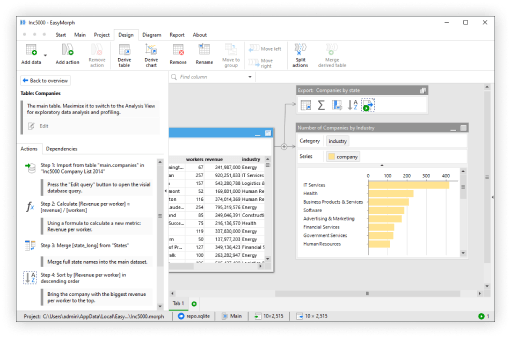
EasyMorph began in 2014 with the aim of simplifying complex data preparation for less technical business users. Because of this, we often think about EasyMorph workflows being solely about processing data - exporting it en masse from multiple sources; cleansing, merging and transforming it as needed; before loading it into our chosen BI or reporting tools.
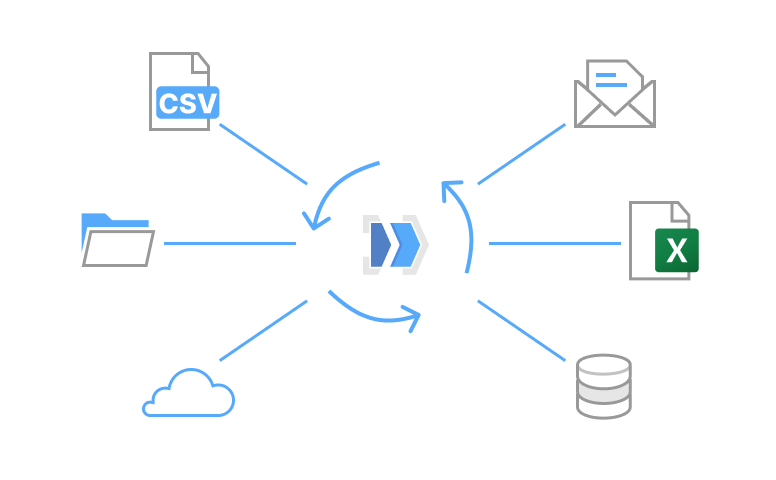
However, the capabilities of EasyMorph workflows have evolved over the last 11 years to become what should really be considered a tool for data and automation in a broader sense. Here are a few examples of how EasyMorph workflows can be used for automation rather than data preparation:
1. Uploading, downloading and moving files
Need to automate the upload or download of files to or from the same machine as EasyMorph, on a network drive or even on a cloud hosting service (e.g. Dropbox, Google Drive, OneDrive, Azure Blob storage, AWS S3, etc)? EasyMorph has actions to handle all of the above. We can even zip and unzip files.
2. Receiving files by email
We all have critical business processes that rely on files which are received attached to emails. From the latest supplier stock lists to order forms from customers, someone ends up having to save them somewhere ready for processing. Instead, use EasyMorph to spot them as soon as they arrive and automate extracting them from the email inbox and saving them to the right location.
3. Prioritising your email inbox
Too many emails? Why not ask a cloud or local AI agent to help prioritize your email inbox, filtering out the noise and letting you focus on what actually needs your attention.
4. Syncing disparate business systems
In the era of cloud software, most businesses have endless business systems which fail to play nicely together. This risks systems contradicting each other and users manually copying data from one place to another. Let an EasyMorph workflow sync the necessary data for you instead.
5. Updating Excel reports automatically
Spending too much time cutting and pasting data into Excel to generate the latest customer report or board meeting pack? Let EasyMorph update the data in your Excel report template and even email it out afterwards.
6. Automatically detecting data quality problems
Quickly identify missing values, wrong data types or user input errors. Fix them automatically if possible or alert someone to resolve the issue before they become a problem.
7. Notifications
Letting the right person know that something has happened or not happened can be the difference between catching a problem early or it being too late. Emails are OK, but we all receive far too many and so important notifications can be overlooked. Let EasyMorph send a Teams or Slack message instead. Or even a push notification to their phone.
Conclusion
These examples are just a handful of the potential use cases where an EasyMorph workflow can save us time and money or improve productivity by automating a repetitive task. Here at EasyMorph, we use far more automation workflows day-to-day than those which process any significant volume of data.
I am also lucky to have the opportunity to talk to many of our customers and to explore how they are using EasyMorph within their business. I’m regularly amazed at some of the unusual ways EasyMorph is being used to automate repetitive tasks, link disparate business systems and streamline critical business processes.
For more details on each of the above automations, you can check out my much longer post on the EasyMorph community forum. We’d also love to hear all of the ways you are using EasyMorph to automate your business processes, disparate systems and work. Just leave a comment on the Community post.