Integration with CSViewer

What is EasyMorph

EasyMorph is a fast and easy-to-use data preparation tool that you can download for free and use forever (the free edition). EasyMorph works well for both beginners and experts in data analysis. Its features at a glance:

  • Highly interactive 100% visual drag-n-drop designing
  • Import/export to/from files, spreadsheets, databases, cloud applications, and REST APIs
  • More than 180 built-in highly configurable actions (transforms)
  • Advanced workflows with parameters, loops, conditional branching, subroutines, and exceptions
  • Scheduling and event triggers
  • External actions for dealing with SharePoint, Amazon S3, Google Drive, Power BI, Tableau, Qlik, email servers
  • Execution of external applications, Windows shell commands, PowerShell scripts, stored procedures
  • Auto-generated, human-readable documentation in plain English
  • Thriving community of users
EasyMorph Desktop
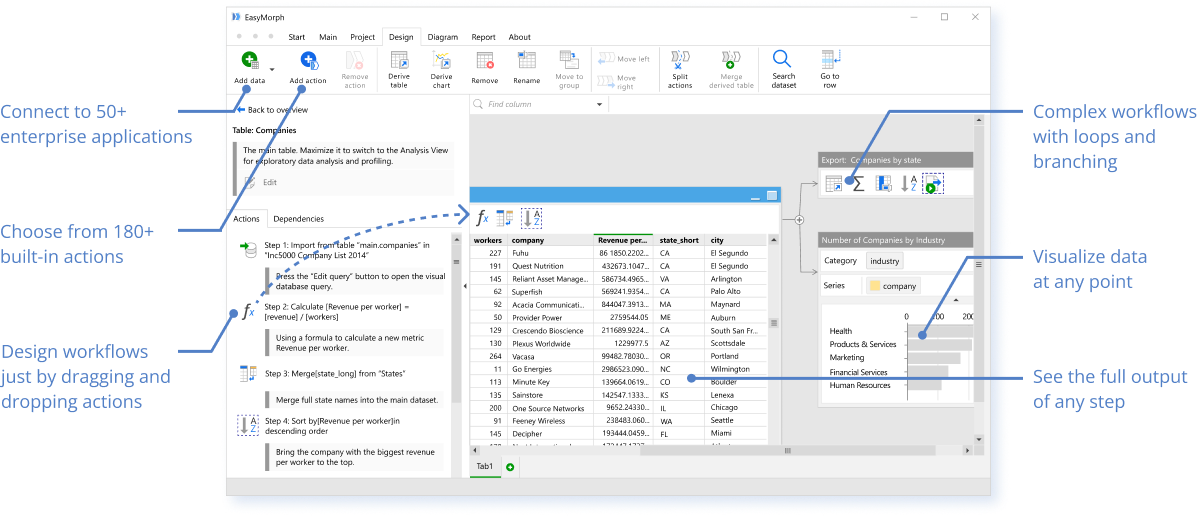
  • Connect to 50+ enterprise applications
  • Choose from 180+ built-in actions
  • Design workflows just by dragging and dropping actions
  • Complex workflows with loops and branching
  • Visualize data at any point
  • See the full output of any step
How it works
  1. Drag and drop your data
  2. Apply actions to transform data
  3. Export result to Excel or CSV
  4. Add more workflow automations

CSViewer + EasyMorph integration

CSViewer + EasyMorph integration

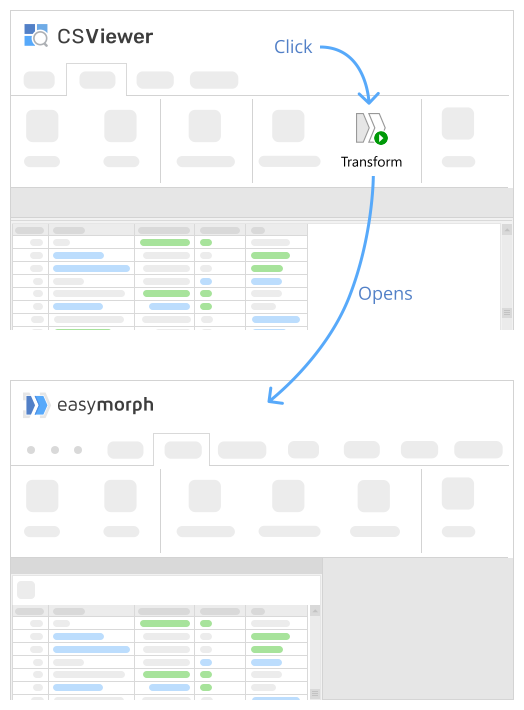
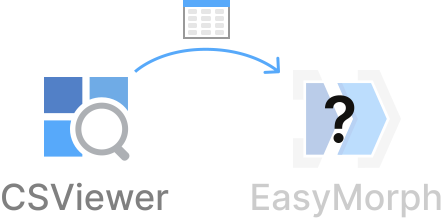
When both CSViewer and free EasyMorph are installed on your computer you can seamlessly pass CSV files with applied filters from CSViewer right to EasyMorph. Simply press the Transform button in CSViewer, and then analyze, profile and transform CSV data in EasyMorph:

  • Filter by any combination of fields, or using an expression
  • Find and remove duplicates
  • Calculate aggregates such as sum or count, grouped by one or more fields
  • Calculate new columns, or modify existing ones using expressions
  • Merge other tables imported from a text file, spreadsheet, database, or web API.
  • Export into a text file or spreadsheet
  • Visualize data on the fly with drag-and-drop charts

If EasyMorph is already installed on your computer, make sure you launched it at least once so that the integration is set up automatically. Note that CSViewer and EasyMorph should be installed under the same user account. If it still doesn't work please let us know.