Why AI Struggles with Data Preparation
Many organizations are embracing AI to manipulate and analyze data. In most situations, AI is expected to take your raw, disorganized mass of data and produce an organized, easy-to-read spreadsheet instantly. It seems appealing to have fewer errors, especially when you've spent a lot of time on manual tasks, and you get your answers in seconds or minutes.
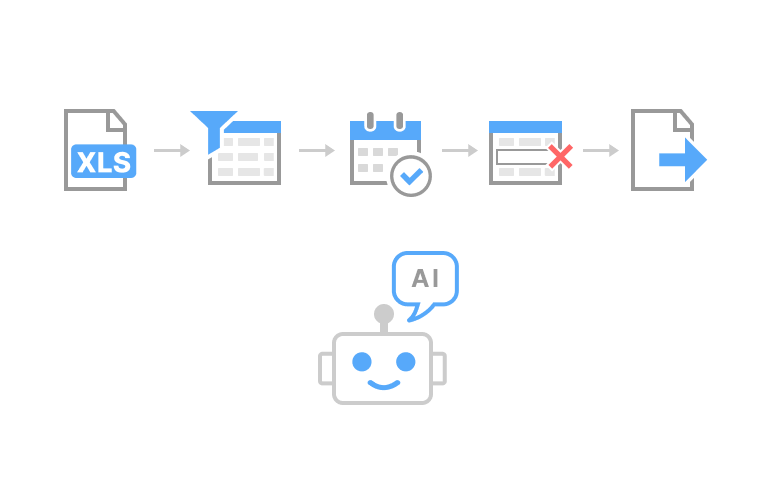
At first glance, cleaning data appears relatively straightforward. Find your file, organize your column(s), fix all date fields, remove all blanks. Now send your newly cleaned numbers to either a report or BI dashboard.
However, most workplaces are far from this streamlined sequence. Many teams are using different software systems; naming fields differently (i.e., "Customer" vs. "Account"); formatting their fields in ways that will be difficult for a generic tool to understand; and applying different rules to the same type of data.
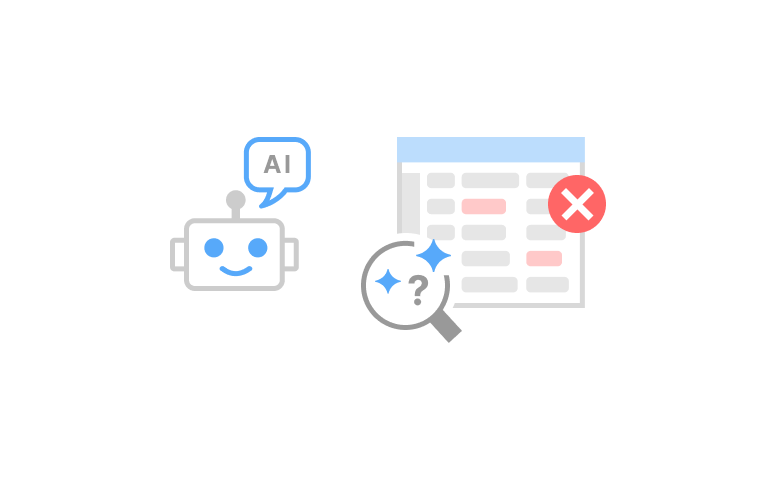
Therefore, a significant risk exists: a smart tool's attempt to clean the data automatically may fail. For example, when AI fails, it tends to fail silently. Meaning you might continue with your workflow without knowing there was a problem. Ultimately, clean results require high accuracy, and that accuracy depends on precise processes. Not to mention AI can also become less reliable as datasets grow. Because there is no clear size limit, the output may still appear correct even when records are skipped, altered, or processed inconsistently.
And to make matters more difficult, users also need tools that connect to multiple applications without requiring them to manually enter the information as well as provide context about how the data fits within the organization (e.g., if a user encounters a blank field, does it indicate "Unknown," "Not Eligible," etc.). While many generic AI tools may perform some level of analysis based on the data provided, they may not always understand the rules applied to the individual fields of data.
That’s why we’re going to examine a visual low-cost solution to these problems and help users maintain complete control over the data manipulation process while using AI tools to speed up the overall process.
The Problem with AI-Only Data Preparation
AI is a perfect shortcut when professionals work with messy files and many data sources. If you tell the AI to clean up the mess, it does.
It will typically provide you with an answer right away. And that speed is very appealing. But the largest problem is that dirty data can be confusing for even the best of AI models.
For example, there are times that a date looks like a number, a product number looks like a word, and a "blank" can mean something entirely different from what most people would think it means. If the AI gets it wrong, the cleaned-up version can appear to be fine, but the underlying logic is still flawed.
Besides accuracy, a predictable outcome is required for data preparation. A lot of times, team members want to run the same processes on the same data, day after day, and get the same type of output. Unfortunately, AI data prep tools do not produce deterministic outputs since they could potentially use a different path every time.
For clarity, teams need clearly defined steps that team members can verify. Additionally, you need to be able to track changes to your data flow easily so that if someone asks how you got a particular number, you can point to your workflow and show them exactly where it came from. In order to maintain this accountability trail, you need to track all the transformations made along the way and ensure they’re auditable.
Another obstacle to data preparation is the setup of the actual system. Most groups will need some form of connection between databases, spreadsheets, applications and/or cloud-based systems. Often these connections (or integrations) require additional effort prior to producing meaningful outcomes.
Depending on your specific requirements, your organization may need to purchase MCP servers, command-line Tools or develop custom agents simply to transfer data from one source to another.
Visual Workflows as an AI-Friendly Foundation
A good starting point for teams to work on data preparation is through visual workflows. The idea behind visualizing your workflow allows the team to identify the steps involved in preparing their data.
This includes identifying the original source of the data, cleaning up the data, performing quality control checks, and ultimately seeing outputs after the transformation.
Visualizing the workflow creates clarity and reduces the sense of uncertainty associated with cleaning data.
To begin preparing data, the first step involves importing it, then transforming it, and finally verifying the transformation was successful. The last step is the most important step because it ensures nothing downstream is affected.
Artificial intelligence tools function best when they can see what occurred previously, what will occur next, and why previous changes were made by the team. A well-defined workflow provides AI tools with all three elements needed to make informed suggestions.
Finally, a visualized workflow also establishes trust within a team. A team can reference a specific step in the workflow and state, "we deleted duplicate entries here." With AI, it often fails to make notes about what it did, and it’s very difficult to audit by business users.
Why EasyMorph Fits This Approach
When an organization has defined the flow of its data, the next logical step is to make running that workflow as easy as possible.
Users need a method that allows them to cleanse, join, filter, and transfer data without converting the process into a technical development project. Ideally, the workflow should be clear and teams can understand each transformation step along the way.
Data preparation is at its best when organizations know they can dependably execute their transformations and receive accurate results. So that means users should have confidence to run the same workflow multiple times so they can rely on both the process and the outputs.
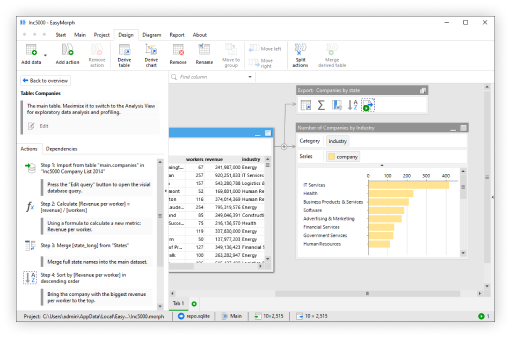
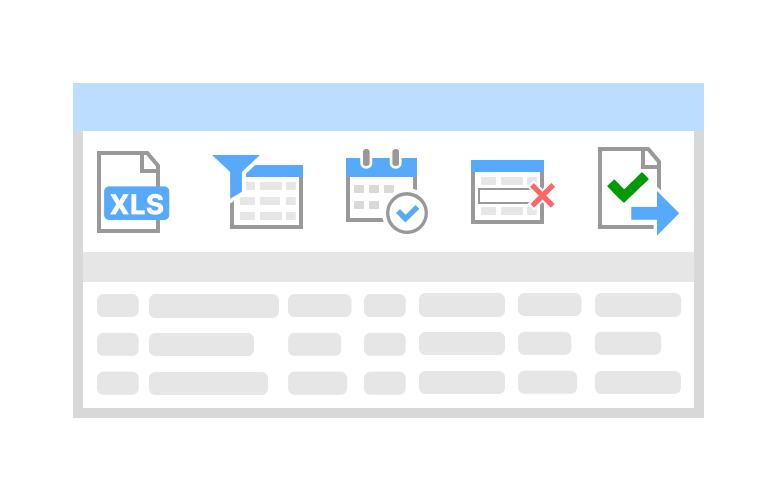
EasyMorph enables users to create visual workflows that import, transform, and export their data by using step-by-step auditable actions. No need for MCP servers. No command line interface required. No robots using artificial intelligence nor custom agents. Meaning, you don’t have to be technical to use EasyMorph. It presents an inviting environment for analysts, operations teams, and end-users who simply wish to solve real-world problems. The user can concentrate on the problem in front of them, while seeing each transformation visually and the full output of their data at every step.
Additionally, EasyMorph provides a solid foundation for creating AI-facilitated data preparation processes because EasyMorph has built-in connectors to access various file types, database and business applications, and it has native integrations with AI models.
This means users can build repeatable workflows they control, while using AI as a helpful assistant to add speed after the process has already been defined.
Deterministic Workflows Matter
EasyMorph is a deterministic workflow tool. This means an EasyMorph workflow will always run through your defined sequence of operations. If you run the same workflow twice on the exact same data, you’ll receive exactly the same result both times.
Therefore, if you tell an EasyMorph workflow to delete all blank rows from a table, then merge a dataset with another table, and finally save it in a certain format, it will execute these steps in order, every time, without fail. When there is no deviation from this flow, analysts have a bit of relief knowing that the output of their workflow will be predictable.
A predictable workflow also supports serious business practices. For example, while cleaning up a single file may be helpful for a simple project or minor operation, the level of quality control required by the typical data preparation activities that support large-scale business processes (production) is much greater. Teams often want to document all changes made to the data so that when checking some value at a future point, teams can simply follow the logic of the workflow to see where the numbers came from and how they were processed.
What’s nice about EasyMorph, is that it automatically generates documentation for every workflow, without any human intervention. So you can not only use this documentation internally, but AI can also use the documentation to understand more about your workflow and where it may need tweaking.
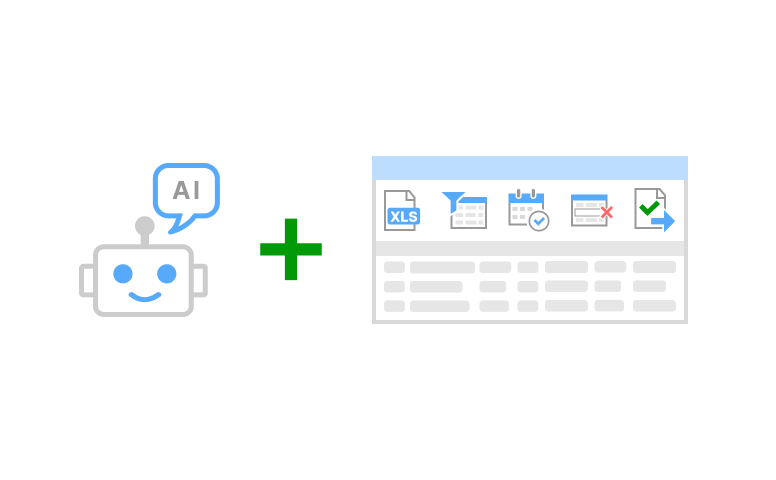
EasyMorph as a Companion Tool to AI Automation
A key role for EasyMorph is helping users turn AI-driven ideas and suggestions into practical, repeatable data workflows. Instead of leaving an AI recommendation as a one-time output, users can convert it into a clear process they can run, review, and reuse.
In this case, EasyMorph serves as a complementary data preparation tool to AI automation. While one side provides guidance (AI), the other side creates a stable pathway for the data from beginning to end.
For example, there are many organizations that don’t require a significant technology stack to perform basic file cleaning operations; table joins; field validation checks; etc. These organizations simply need a straightforward means to accomplish their data preparation needs.
For these types of use cases, EasyMorph represents a more viable option than an extensive and expensive AI automation stack. This will benefit organizations by avoiding unnecessary costs; reduced set-up times; and less complexity. An organization doesn't necessarily need a substantial system to repair a report feed or prepare its weekly file.
By separating the "smarter" component of AI automation (planning/notes/reviews); and having EasyMorph manage the repeatable processes associated with preparing data for a specific task, the organization benefits from increased confidence in the reliability of their automated processes.
As users can visually review the workflow; validate the outputs; and continuously refine their workflows; the overall experience becomes much simpler. The user’s AI solution enables them to progress at a rapid pace; and EasyMorph allows them to maintain control of their own data preparation processes. Collectively, both provide users with a reliable and accessible method to prepare their data.
Conclusion: Start with Workflows, Then Add AI
The most effective way to apply Artificial Intelligence (AI) to data preparation is by establishing an easily traceable pathway. This pathway should outline the source of the data, the transformations made at each stage, and where the processed data will end up.
Workflow visualization lets users visualize their processes and view data changes as opposed to relying on a black box process. This is important, as obtaining clean data requires more than simply finding the correct solution; it includes having a set of rules, checks, and a continuous process to establish credibility within a team.
It does not have to be all-or-nothing. Organizations can create a hybrid environment that uses both deterministic automation and AI in a simple, yet smart manner. The workflow will manage the actual transformations while AI may assist in providing suggestions for improvement, creating notes, provide guidance for the user during a difficult transformation, or analyse the data after it’s been transformed.
This hybrid model creates a work environment that is not only faster, but also one in which the users remain in complete control of the process and can use the same process repeatedly.
If you want to try EasyMorph for free, you can download it now: